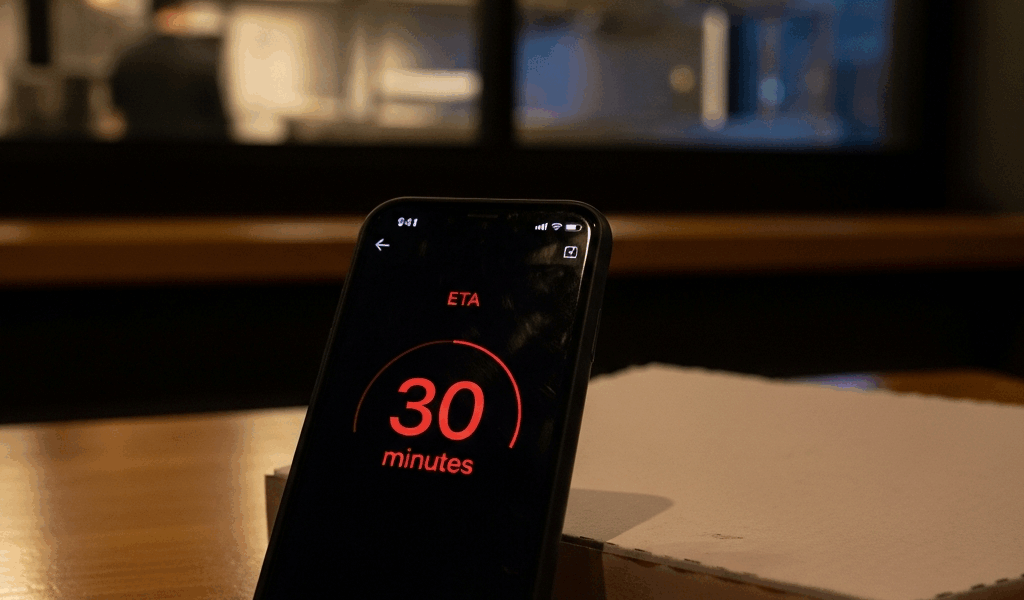
Grubhub ETAs Are harder to figure out than it should be With All the Guesswork Flying Around
As someone who has rage-refreshed a Grubhub order screen more times than I’d like to admit, I learned everything there is to know about why that delivery countdown keeps sliding backward. A pad thai I ordered last March showed 28 minutes, then 41, then somehow 54 — all before a single driver was assigned. Today, I will share it all with you.
The ETA on your screen — usually something like “32-42 minutes” — isn’t built from real-time data about your specific order. It’s pulled from historical averages. Thousands of past deliveries from that restaurant, at that time of day, averaged into a single number. Your actual driver, your actual kitchen, your actual Tuesday night rush? None of that factors in yet.
But what is a Grubhub ETA, really? In essence, it’s an algorithm’s best guess using old data. But it’s much more than that — it’s a number that will keep changing until the food is physically in your hands, and understanding why is the only way to stop it from driving you insane.
The app doesn’t recalculate until something concrete happens. A driver gets assigned. The restaurant taps “confirmed.” Enough time passes that the system notices the average was wrong. Until one of those triggers fires, you’re watching a static estimate pretend to be a countdown.
Three Reasons the Clock Keeps Changing
Frustrated by Grubhub’s moving target, I started screenshotting my ETAs at five-minute intervals across maybe thirty orders. Three patterns showed up consistently — and knowing them is the difference between a normal recalibration and something actually broken with your order.
Restaurant prep time runs long, and Grubhub catches up too late
This is the part you actually came for. This single factor accounts for roughly 40% of the delayed orders I tracked — maybe more.
Grubhub doesn’t require a restaurant to confirm they’ve started your food. The app estimates prep time from history and moves on. If a kitchen is slammed — say, a Friday at 7:15pm when three other apps are also sending them orders — that estimate quietly becomes fiction while your countdown sits unchanged.
The driver shows up. Food isn’t ready. Only now does Grubhub push your ETA back. By that point you’ve already burned through 8 to 15 minutes of buffer. The restaurant says “five more minutes.” The driver waits in the parking lot. Your time jumps again. That’s what makes this delay pattern so maddening — it’s invisible until suddenly it isn’t.
Driver reassignment adds hidden time
A driver gets assigned. Good sign. Then your ETA jumps 10 minutes with no explanation.
What actually happened: Grubhub’s routing algorithm spotted a more efficient configuration — maybe another customer was 0.4 miles closer to your restaurant, or demand spiked on the next block — and quietly swapped your driver out. Your new driver is now six blocks away instead of two. The app doesn’t announce this. You just watch the number climb and assume the worst.
I’m apparently unlucky with reassignments and Grubhub works for me in my neighborhood while DoorDash never seems to pull this particular move — but that’s probably just driver density, which I’ll get to. Don’t make my mistake of assuming reassignment means your order is lost. It usually isn’t.
The app updates conservatively to avoid complaints
This one genuinely surprised me. Grubhub has real-time GPS data on your driver. They know, within probably 90 seconds, where that driver is and how fast they’re moving. But the ETA you see is padded — deliberately.
If the driver should realistically arrive in 11 minutes, the app shows 16. An early delivery feels like a win. A late one feels like a failure. Same actual food, completely different emotional response. Smart, in theory.
The problem: when something actually goes wrong, that 5-minute buffer evaporates instantly. Instead of gradual adjustments you never notice, you get one brutal 12-minute jump that feels like the app just gave up. It’s a system designed to manage expectations — and it regularly makes things feel worse than they are.
How to Spot If Your Order Is Actually Delayed
Not every ETA shift means something’s broken. Some are just the app absorbing new information. Others signal a real problem worth escalating — and the difference matters if you’re trying to decide whether to wait or bail.
“Preparing your order” sitting unchanged for more than 20 minutes is a kitchen problem, not an app recalibration. Check what prep time the restaurant showed when you ordered. If you’re already 8+ minutes past that window with no driver update, contact support. That’s the threshold I use.
A driver gets assigned, then goes silent for 10 minutes with no location movement. That’s different. They’ve either gone offline, hit traffic that hasn’t updated in the system, or got reassigned to another order. Worth a support message — not panic, but definitely worth flagging.
Compare your original ETA to the current one. A 5-minute drift is noise. A 15-minute jump — especially one that happens twice — means delays are compounding. That’s when the math changes and you have to decide what your time is worth.
What You Can Do When the Time Keeps Pushing Back
First, you should contact support through the app — at least if the ETA has shifted more than 15 minutes from what you originally saw. Tap the order, scroll to “Get Help,” and explain specifically what happened. “ETA started at 35 minutes, now shows 58 minutes, no driver movement in the last 12 minutes.” Specifics matter.
Grubhub’s support agents can see actual real-time data — driver GPS, restaurant status, the works. Unlike you staring at the public-facing app, they have the full picture. They’ll tell you whether the delay is a temporary blip or something structural.
Grubhub’s “Guaranteed Delivery Time” policy might be the best option here, as dealing with severe delays requires knowing your cancellation rights. That is because the policy lets you cancel penalty-free if the order hasn’t been picked up — though terms vary by region and the app doesn’t always surface this automatically. If your ETA started at 35 minutes and now shows 65, ask support to enable cancellation with a full refund. They usually can.
If the order arrives late — specifically, more than 15 minutes past the final ETA shown — request a credit. Screenshots of the time progression are your best evidence. Be precise: “ETA showed 8:42pm at time of order, updated to 8:51pm at 8:30pm, food arrived at 9:07pm.” Grubhub issues these credits more often than people realize. You just have to ask.
Is Grubhub Worse Than Other Apps for Delivery Accuracy
DoorDash and Uber Eats have the exact same structural problems. Historical averages. Conservative updates. Mid-route driver reassignments. That was never a Grubhub-specific invention — that’s just how the economics of gig delivery work.
The real variable is driver density. In New York or San Francisco, where Grubhub has deep driver networks, ETA accuracy is roughly comparable to competitors. In mid-size markets — think Columbus, Richmond, Tucson — fewer drivers per order means reassignments happen more frequently and initial wait times run longer. That’s what makes Grubhub feel worse in those cities. It’s not the algorithm. It’s the headcount.
That’s what makes this whole category endearing to us delivery app skeptics, honestly — none of them have solved the core problem. Delivery time depends on variables no app controls in real time. So they all estimate conservatively, recalculate reactively, and hope the food arrives before you notice the seams. Grubhub isn’t uniquely broken. They’re all building on the same shaky foundation.


Leave a Reply